
Topic · Restaurant Business Plan Mastery: From Concept to Execution
Point of Sale (POS)
… Systems for Bars and Restaurants
Objectives: By the end of this lesson, learners will understand the role of POS systems in bars and restaurants, including how they streamline operations such as order management, payments, inventory, and customer relations. Learners will also be able to evaluate the costs, benefits, and potential hidden fees of using POS systems in their business.
1. Introduction to POS Systems in Bars and Restaurants
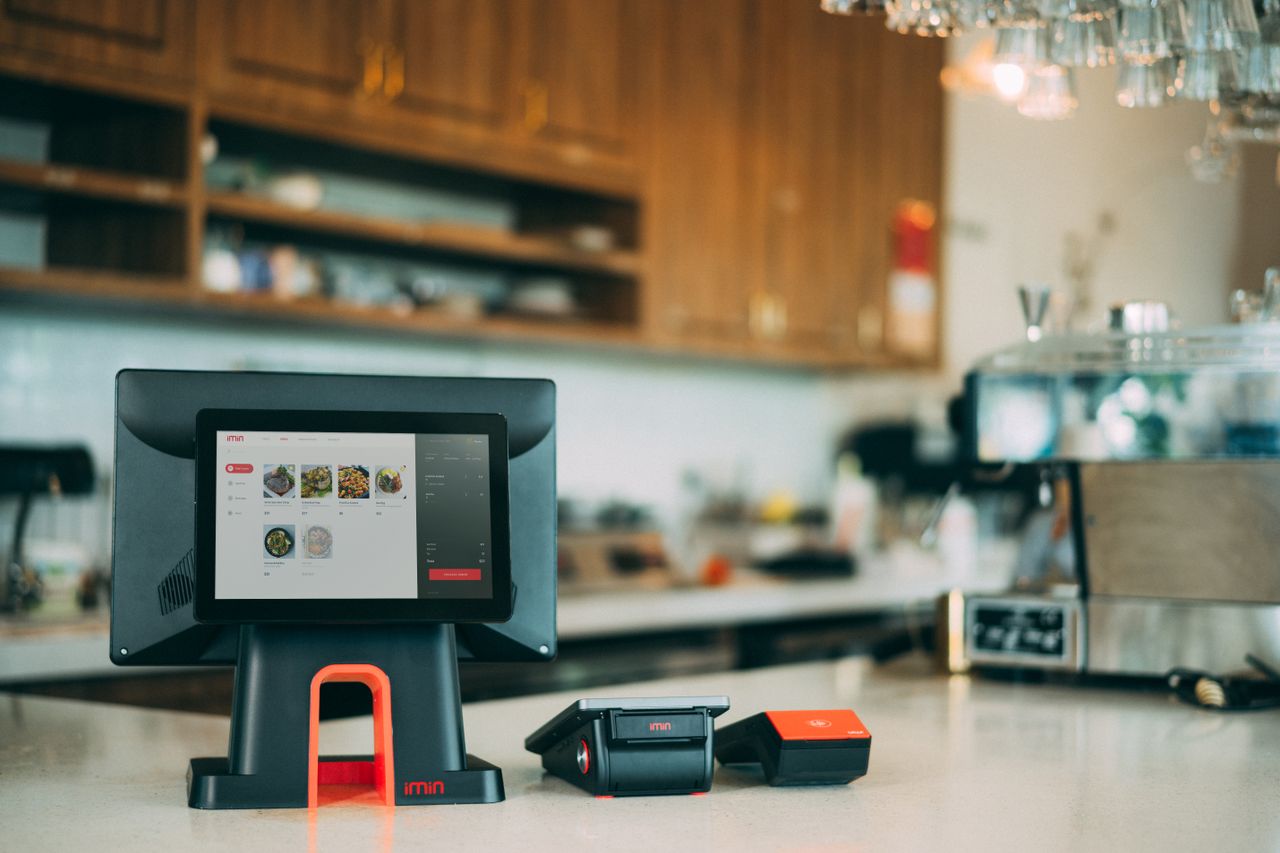
A Point of Sale (POS) system is essential in bars and restaurants for managing orders, payments, and inventory. Unlike retail systems, restaurant POS systems are optimized for handling table reservations, kitchen communication, splitting bills, and tipping.
Why It’s Important:
In fast-paced environments like bars and restaurants, POS systems streamline order taking, reduce errors, and ensure smooth payments, enhancing customer satisfaction and operational efficiency.
2. Key Components of Bar and Restaurant POS Systems
Hardware:
- POS Terminal/Tablets: Used by servers to input orders, often in real-time from the table.
- Kitchen Display Systems (KDS): Sends orders directly to the kitchen, improving communication and reducing mistakes.
- Card Readers: Accept payments via credit/debit cards, including contactless and mobile payments.
- Receipt Printers: Provides printed copies for customers and internal use.
Software Features:
- Menu Management: Customize menus, daily specials, and automatically update pricing.
- Order Management: Track table orders, modifications (e.g., special requests), and timing for delivery to the kitchen.
- Inventory Management: Track ingredient usage and alert staff when stock is low.
- Table Management: Assign and monitor tables, track open tabs, and adjust seating arrangements for reservations or walk-ins.
- Tip Management: Track tips, divide them among staff, and ensure compliance with tipping policies.
Why It’s Essential:
These features enable staff to handle orders more efficiently and accurately, improving both kitchen workflow and customer service.
3. How POS Systems Work in Bars and Restaurants
When a customer places an order, the server inputs it into the POS system, which sends it directly to the kitchen through a Kitchen Display System (KDS). The system can manage split bills, track open tabs for bar customers, and allow secure payment options like contactless cards or mobile wallets. After payment, inventory levels adjust automatically, and reports are generated to track sales and orders.
Streamlining Processes:
- Order Management: Improves accuracy in complex, high-volume settings by eliminating manual communication errors.
- Payment Handling: Handles multiple payment types efficiently (e.g., cash, cards, or mobile), reducing wait times and boosting table turnover.
4. Specific Features and Benefits for Bars and Restaurants
a. Real-Time Order Tracking:
Allows waitstaff to enter orders directly from the table using handheld devices, sending orders to the kitchen instantly. This ensures faster service and minimizes errors in food preparation.
b. Integrated Inventory Management:
POS systems track ingredient usage, ensuring that when a drink or dish is ordered, it automatically adjusts stock levels. This helps avoid stock shortages during busy times and sends alerts for low supplies.
c. Bill Splitting & Tab Management:
Managing group payments is easy with POS systems that split bills by item, by person, or in percentages. For bars, tracking open tabs is crucial for customer satisfaction and ensuring accurate billing.
d. Customer Relationship Management (CRM):
Restaurant POS systems store customer preferences, order history, and loyalty points. This feature allows personalized service, offering tailored experiences like favorite dishes or customized drinks.
Why It’s Beneficial:
These features help improve service speed, reduce errors, and enhance the overall dining experience, which can lead to higher customer satisfaction and increased tips for staff.
5. Costs and Hidden Fees for Bar and Restaurant POS Systems
Upfront Costs:
Includes hardware (terminals, card readers, printers) and software setup.
Hidden Fees to Watch For:
- Transaction Fees: POS systems typically charge a fee per credit card transaction, which can accumulate quickly in a high-volume setting like a bar or restaurant.
- Software Subscriptions: Some POS systems require ongoing subscription fees for updates, support, or access to premium features.
- Hardware Leasing or Replacement Costs: Equipment like card readers or tablets may require periodic upgrades or replacements, adding to costs.
- Maintenance and Support: Fees for system maintenance, customer support, or emergency repairs could add unexpected costs.
Why Fee Awareness is Crucial:
Bars and restaurants often have a high transaction volume. These hidden fees can quickly erode profit margins if not properly accounted for when selecting a POS provider.
6. Industry-Specific Trends in POS Systems for Bars and Restaurants
a. Contactless and Mobile Payments:
Contactless payment options (NFC) like Apple Pay and Google Wallet are becoming standard, allowing for faster checkouts and greater convenience, especially in high-turnover environments like bars.
b. Self-Service Ordering and Payments:
Many restaurants and bars now offer tablets or kiosks for customers to place their own orders and pay at the table. This reduces wait times and labor costs.
c. Cloud-Based Systems:
Cloud-based POS systems allow managers to access reports, update menus, and track inventory remotely, making it easier to oversee multiple locations or make decisions in real-time.
d. Integration with Delivery Platforms:
For restaurants offering delivery or takeout, POS systems are integrating directly with third-party platforms (like UberEats or DoorDash) to ensure a seamless order and payment process.
7. Conclusion
In the fast-paced bar and restaurant industry, POS systems are essential for managing orders, inventory, customer interactions, and payments efficiently. The specialized features—like real-time order tracking, table management, and inventory monitoring—improve service speed and accuracy, leading to higher customer satisfaction. However, businesses must carefully consider both upfront costs and hidden fees (like transaction or maintenance fees) to choose a system that fits their needs without unexpected costs.